UK eVisa for Nepali Students 2026: Sample, BRP Changes and How to Access It
Last updated: 16 October 2026
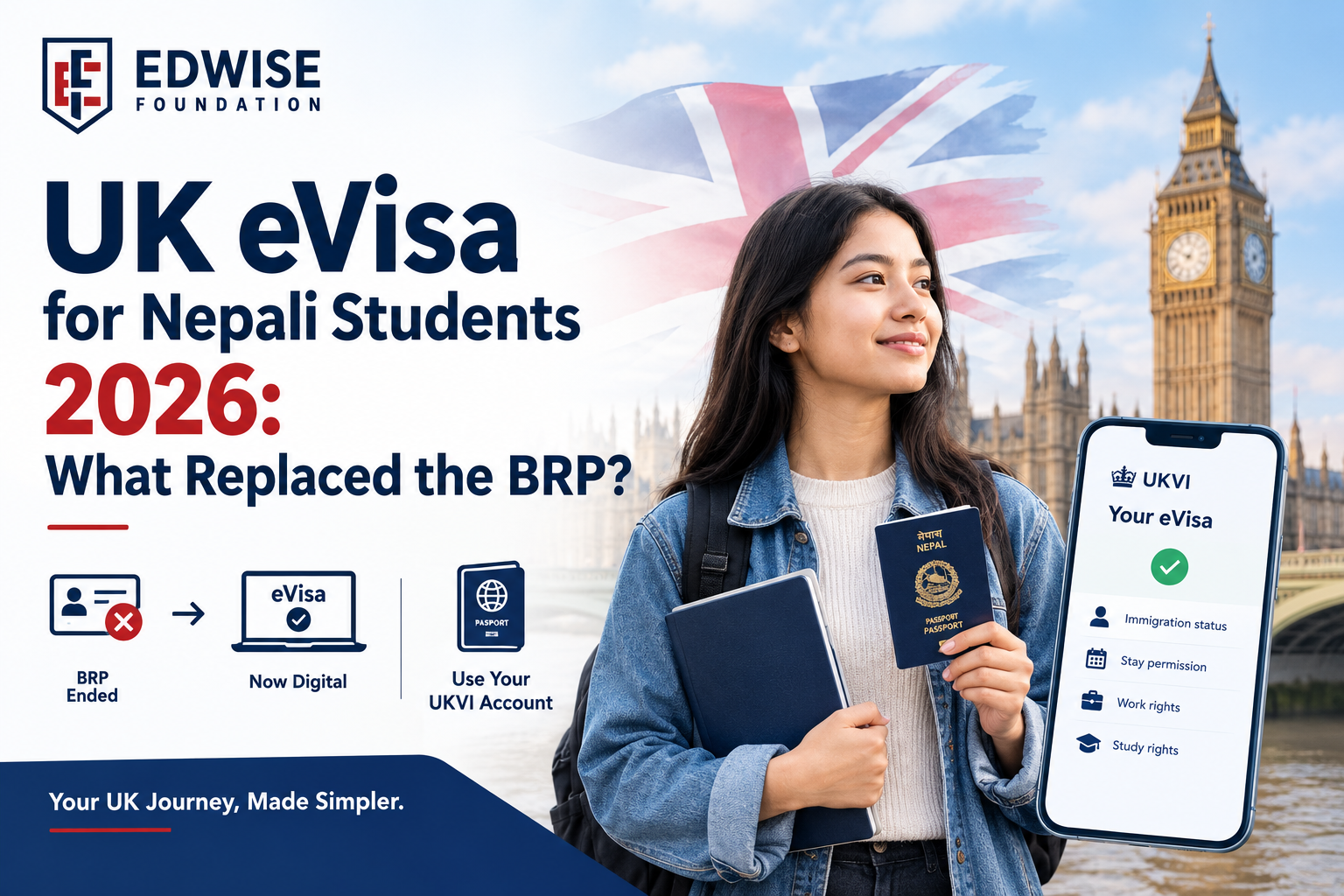
A UK eVisa is the online record of your UK immigration status. It has replaced the BRP card and, for new applicants, the visa sticker in your passport. If your UK Student visa is approved, you will not collect a card or get a sticker. Instead, you create a free UKVI account, link your passport to it, and view your eVisa online. It shows your photo, name, visa type, how long you can stay and your conditions, such as work limits. You still travel with your passport, and you can create a share code whenever someone needs to check your status.
If you have applied for a UK Student visa from Nepal, you have probably heard that the BRP card is gone and that you will get a UK eVisa instead. But what does an eVisa actually look like, how do you open it, and what do you show at Tribhuvan International Airport when you fly?
This guide answers those questions in plain language. You will see what a student eVisa shows, what happened to the BRP card and the passport sticker, and the exact steps to access your eVisa and travel without delays.
UK eVisa sample: what does a student eVisa show?
An eVisa is not a PDF or a card. It is a page you view when you sign in to the UK Government’s “View and prove your immigration status” service with your UKVI account. According to GOV.UK, your eVisa shows your identity, your immigration status and the conditions of that status.
Here is an illustrative example of the kind of information a Nepali student would see. Your own eVisa will show your real details and exact conditions:
| What you see | Example for a student |
|---|---|
| Photo | The photo taken at your biometrics appointment |
| Name and date of birth | As on your passport |
| Nationality | Nepalese |
| Immigration status | Student visa |
| Valid from / until | Your permission start and end dates |
| Conditions | Study allowed; work limits (for example, up to 20 hours a week in term time for most degree students); no access to public funds |
| Linked passport | The passport number connected to your UKVI account |
There is no official “printable eVisa”. Employers, landlords and universities check your status online, so a screenshot is not usually accepted. Instead, you give them a share code (see section 05).
What happened to the BRP card?
A Biometric Residence Permit (BRP) was the plastic card that international students used to collect after arriving in the UK. It showed their visa status and was used as proof of their right to study, work and rent. Most BRPs carried an expiry date of 31 December 2024, and the UK then moved everyone to eVisas.
New Nepali students do not get a BRP. If your Student visa is approved, your eVisa is your proof of status from day one. There is nothing to collect from a post office or your university.
If you already held a BRP from an earlier UK visa, GOV.UK guidance says you may still use an expired BRP as extra travel evidence for up to 24 months after its printed expiry date, or until 31 December 2026, whichever comes first. You should still create a UKVI account and use your eVisa.
Key dates: BRP, visa sticker and eVisa
| Date | What changed |
|---|---|
| 31 Dec 2024 | Most BRP cards expired; eVisas became the main proof of status |
| 1 Jul 2026 | UKVI stopped issuing visa stickers (vignettes) to successful new applicants |
| 31 Dec 2026 | Last date an expired BRP can be used as extra travel evidence |
If you received a visa sticker before 1 July 2026, it stays valid until it expires. Everyone approved after that date gets an eVisa only.
How to access your UK eVisa from Nepal: step by step
Setting up your account and viewing your eVisa is free. You will need a valid passport, your visa application number (it starts with GWF), and an email address and phone number you can use every time you sign in.
- Step 1: Read your decision email. When your visa is approved, UKVI emails you instructions for accessing your eVisa.
- Step 2: Create your UKVI account. Use the link in the email or on GOV.UK. Enter your passport details and GWF number.
- Step 3: Confirm your identity. This is usually done with the UK Immigration: ID Check app on your smartphone, which scans your passport and face.
- Step 4: Link your passport. Make sure the passport you will travel with is the one linked to your account.
- Step 5: View your eVisa. Access is usually immediate, but it can take up to 24 hours after linking.
- Step 6: Check every detail. Confirm your name, date of birth, visa type, dates and conditions are correct.
Do not register your UKVI account with an agent’s or friend’s email or phone number. You will need a one-time code sent to them every time you sign in, including from the UK.
Our UK team helps Nepali students set up their account, check their eVisa and link the right passport before they fly.
Book a free consultationWhat is a UKVI share code?
A share code is a short code you create in your UKVI account. It lets someone else view the parts of your status they need to check. A share code lasts for 90 days and can be used as many times as needed in that period. You can create a new one at any time.
You choose the type of code based on who is checking:
- Travel: for airlines, before you fly to the UK
- Right to work: for a part-time employer
- Right to rent: for a landlord in England
- Other: for example, your university checking your right to study
Flying from Nepal with a UK eVisa
Yes, you still need your passport. Your eVisa is linked to it digitally, so airlines check your status using your passport details. Without a sticker in your passport, a few things matter more than before:
- Travel on the same passport that is linked to your UKVI account.
- Create a travel share code before you leave, in case the airline asks for it at check-in.
- For your first journey, plan to arrive on or after the start date shown on your eVisa.
- If you renew your passport, update your UKVI account before you travel.
When you land in the UK, show your passport to the Border Force officer.
Pre-departure eVisa checklist for Nepali students
- I can sign in to my UKVI account with my own email and phone.
- I can see my eVisa and my details are correct.
- My visa type, dates and conditions match my CAS and course.
- The passport I am travelling with is linked to my account.
- I have a travel share code saved on my phone.
- My flight lands on or after my eVisa start date.
- I am carrying my CAS, university offer and accommodation details.
What if there is an error in my eVisa?
Do not travel hoping a wrong name, date or condition will be fixed later. Report the error through the official eVisa error reporting service on GOV.UK. UKVI aims to fix most eVisa errors within 5 working days and more complex cases within 15 working days, so check your eVisa as soon as you get it, not the night before your flight.
How Edwise Foundation helps
The eVisa system is simple once you know the steps, but small mistakes, like an unlinked passport or an account registered to the wrong email, can cause stress right before you travel. Edwise Foundation, AIRC-certified and ICEF-screened, has guided Nepali students to the UK since 2005 and has placed more than 7,000 students abroad. We help you set up your UKVI account, check your eVisa and complete your pre-departure checks as part of our study in the UK from Nepal counselling service.
Book a free consultation for help with your eVisa, UKVI account and pre-departure checklist.
Book a free consultationFrequently asked questions
References
This article is for general information only and is not immigration advice. Always follow the instructions in your own UKVI decision email and the latest GOV.UK guidance.